
Latest Version
Electronic Team, Inc.
Tools
Mac
Free
1035236694
Report a Problem
More About Commander One: File Manager
An Efficient Desktop Explorer: Commander One: File Manager
Managing files on macOS can sometimes feel restrictive when relying solely on default tools. Commander One: File Manager by Electronic Team, Inc. is a robust utility designed to bring high-level, dual-pane productivity directly to your desktop. Built entirely in Swift, this application targets professionals and power users who require swift, precise control over their directories and storage structures.
How Dual-Pane Architecture Enhances Productivity
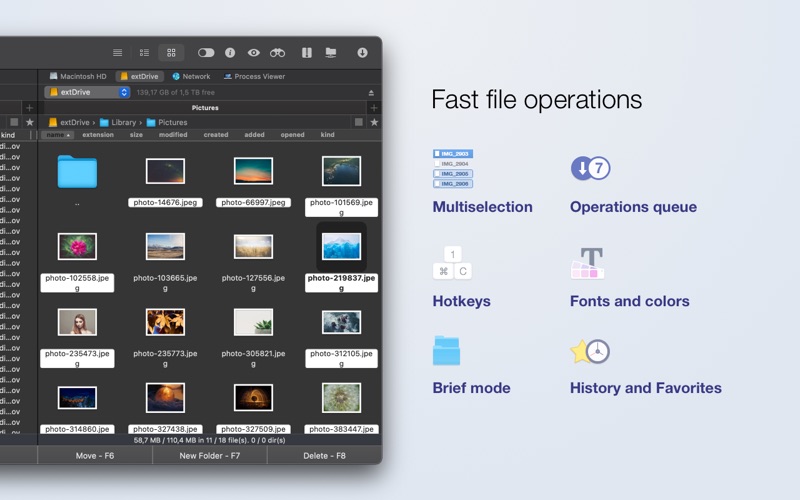
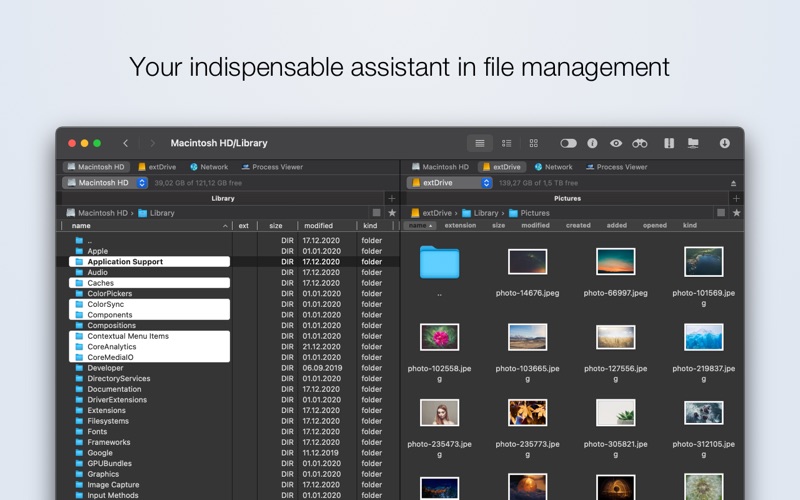
The core philosophy of this tool revolves around its classic dual-panel layout. Instead of constantly opening, closing, and resizing multiple windows to move items, you can perform direct operations between two active panes. Here is what you can do with its interface:
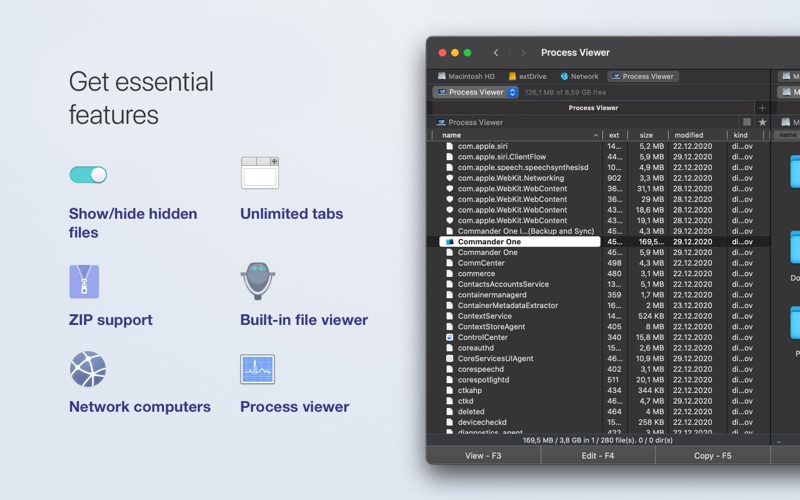
- Manage Multiple Folders: Utilize unlimited tabs within each panel to keep several directories open simultaneously.
- Tailor Your View: Choose between three distinct viewing modes (Full, Brief, and Thumbs) depending on whether you are sorting documents or previewing media.
- Toggle Hidden Items: Instantly reveal hidden system files with a single click, removing the need for terminal commands.
Advanced Search and Archive Features
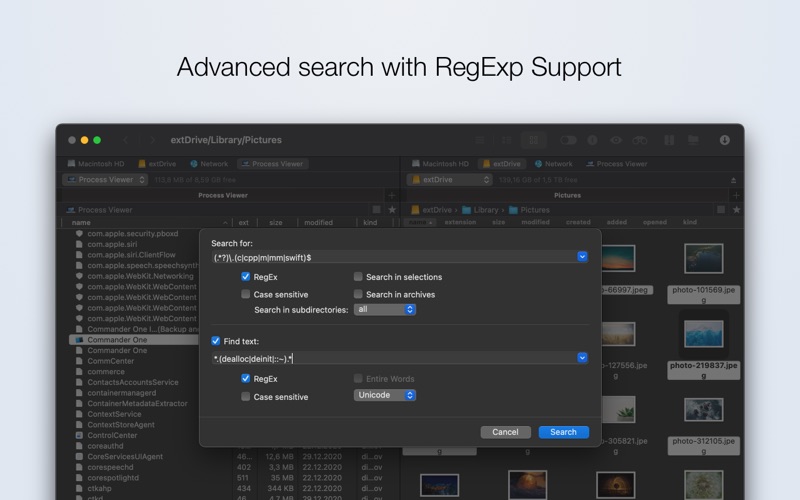
Finding files is simplified through multiple integrated search protocols. You can execute standard Spotlight searches, search directly by file contents, or use Regular Expressions (Regex) for highly specific queries. Additionally, Commander One: File Manager acts as an archive handler, allowing you to open and browse ZIP folders as if they were regular directories. It also natively reads container formats like .ipa, .apk, .jar, and .war files.
Pro Capabilities for Power Users
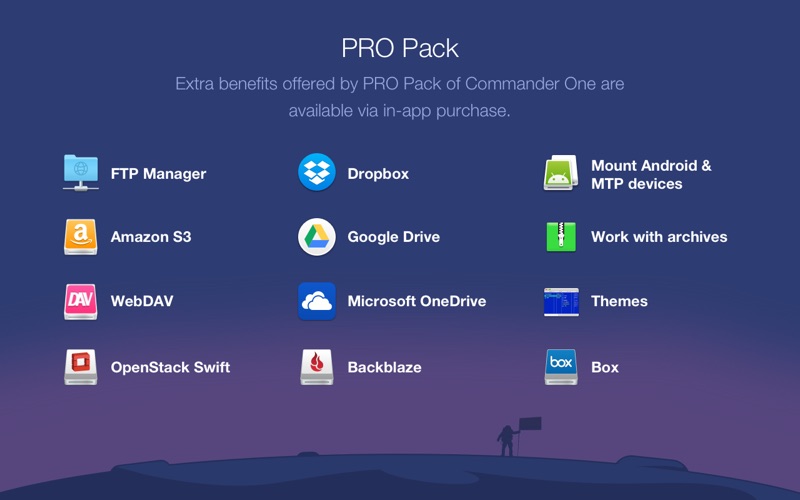
While the standard version covers essential local organization, an optional in-app purchase unlocks the Pro version, which expands the utility into a centralized network and cloud hub. Pro features include:
- Integrated Network Protocols: Built-in FTP, SFTP, and FTPS managers with custom file permission settings.
- Cloud Integration: Mount accounts from services like Google Drive, Dropbox, Microsoft OneDrive, Box, and Amazon S3 directly as local drives.
- Broad Archive Support: Full compression, extraction, and search capabilities for RAR, 7zip, and TarGz formats.
- Device Connectivity: Mount MTP devices to seamlessly browse and transfer photos or videos from external hardware.
Who is This Tool For?
If your daily workflow involves heavy data migration, complex folder nested structures, or managing multiple cloud services alongside local files, this application offers a centralized workspace to eliminate clutter and save time. Its customizable hotkeys and process viewer make it an excellent fit for developers, system administrators, and digital creators alike.
To experience this dual-pane workflow firsthand, you can find the application available on the official Mac App Store.
Rate the App
User Reviews














Popular Apps










Editor's Choice