

Latest Version
Andriy Konstantynov
Tools
Mac
Free
1593644229
Report a Problem
More About Folders File Manager
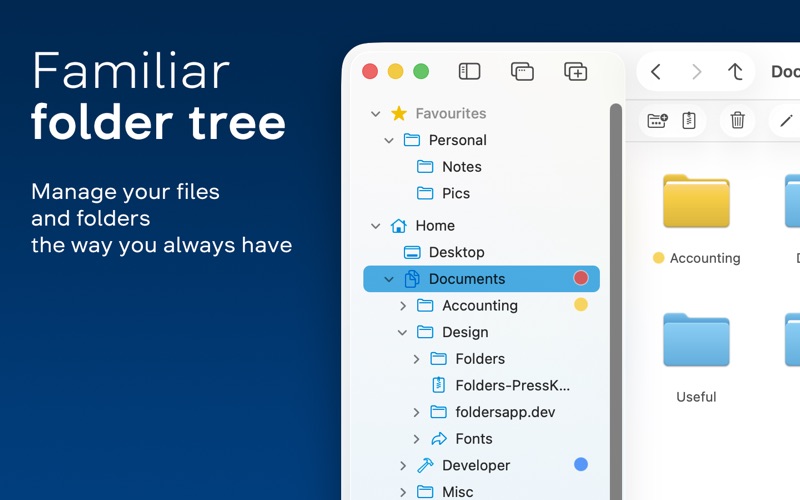
A Desktop-Grade Directory Tree for macOS
For many users, managing files on macOS can feel like a departure from what they are used to on other operating systems. If you have recently transitioned from a PC or simply prefer a structured, hierarchical view of your storage, Folders File Manager offers an elegant solution. Developed by Andriy Konstantynov, this utility restores the classic directory tree workflow to your Mac while maintaining a clean, modern aesthetic that fits perfectly into the Apple ecosystem.
Streamline Your Daily File Management
Instead of clicking through disconnected windows, the Folders File Manager app allows you to navigate your entire system from a single, unified interface. Here is what you can actually do with it on a daily basis:
- Multi-Task with Tabs: Open multiple windows and tabs to drag and drop files between different directories without losing your place.
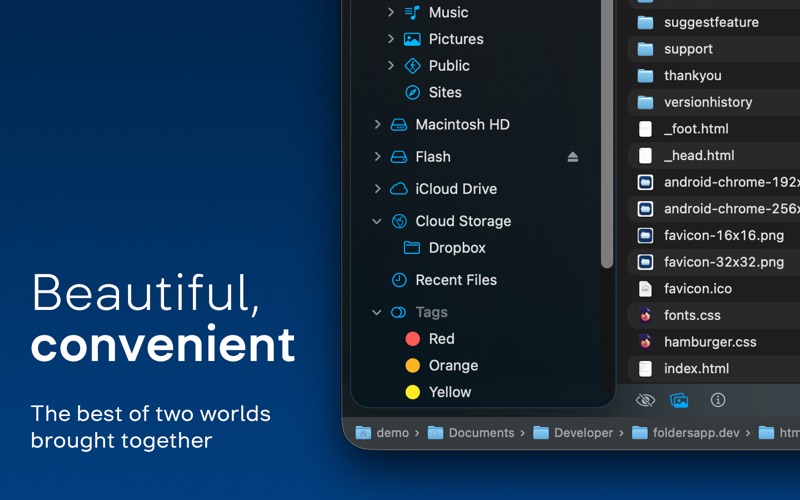
- Access Cloud Storage: Seamlessly view your iCloud Drive alongside local folders and network shares in one consolidated sidebar.
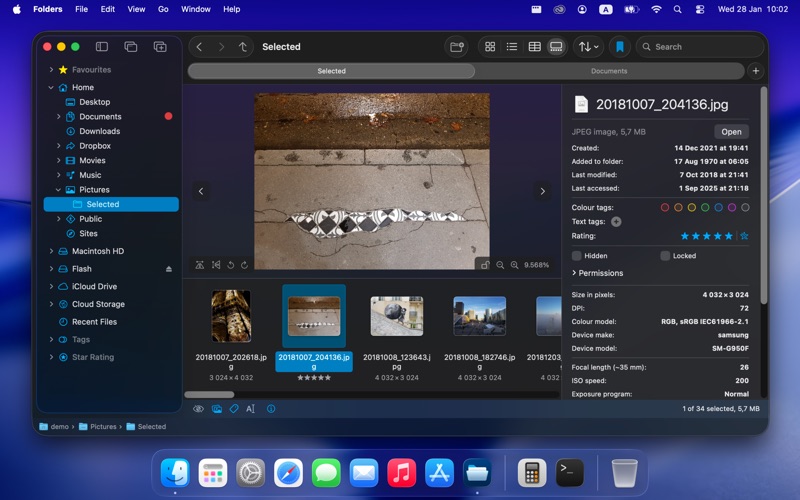
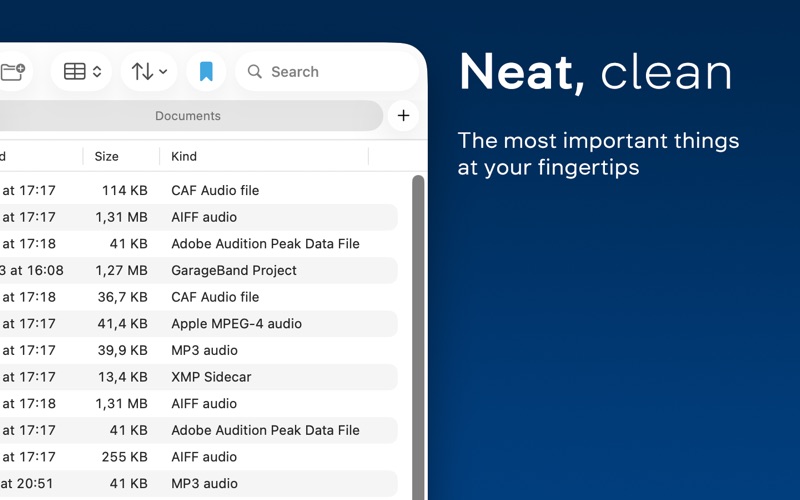
- Refined File Views: Switch easily between Table, List, Icons, and Gallery views, with the ability to set and remember custom view preferences for individual folders.
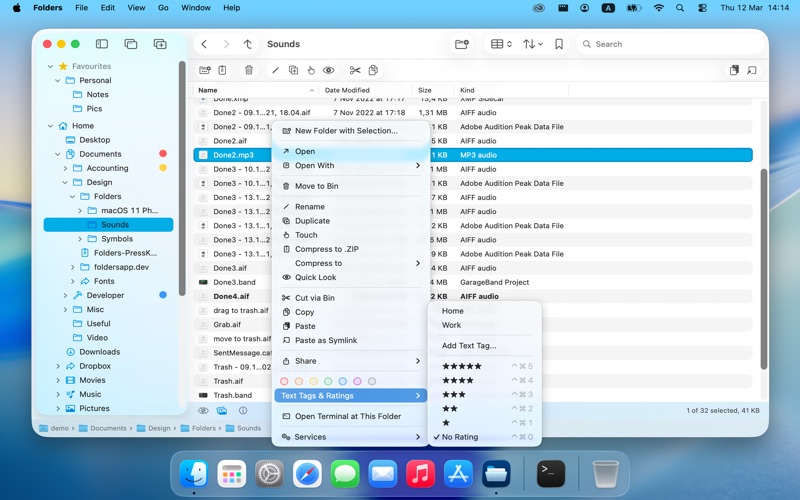
- Advanced File Operations: Execute precise commands like cutting files with keyboard shortcuts, performing batch renames, and merging folders during copy conflicts.
In-Depth Control and Archive Integration
Beyond simple navigation, this utility functions as a robust productivity hub. The dedicated File Info panel displays rich metadata, including EXIF data for images, and allows you to apply color tags, text tags, or star ratings directly. Power users will appreciate the deep archive integration, which lets you browse, preview, and modify ZIP, 7Z, RAR, TAR, and other compressed formats directly inside the folder tree without needing to extract them first. Combined with a comprehensive undo system that can revert complex operations, it provides a highly forgiving and efficient environment for organizing your digital life.
Is It Right for You?
If you find Finder’s default navigation options limiting or miss the explicit structure of a traditional directory tree, this application bridges the gap beautifully. It runs natively on Apple silicon and offers a refreshing, subscription-free licensing model. To experience this streamlined workflow firsthand, you can explore the 14-day trial of Folders File Manager by visiting its official page on the Mac App Store.
Rate the App
User Reviews















Popular Apps










Editor's Choice